
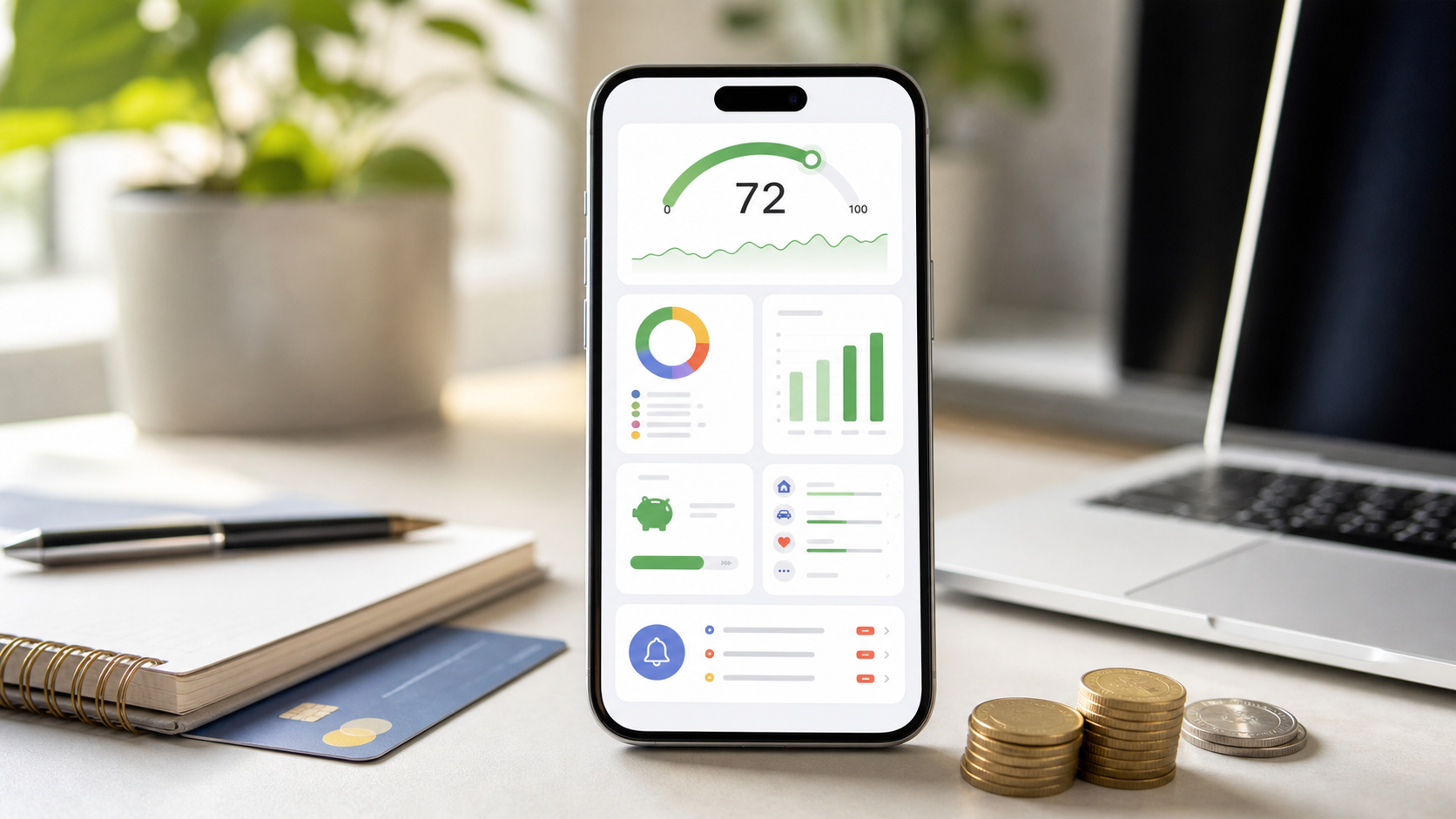
Many people feel broke not because they earn too little, but because they lack a clear system for where their money goes. Subscriptions multiply quietly. Lifestyle creep happens faster than raises. And without visibility, even good incomes produce stress instead of progress.
Budgeting apps can change that trajectory. The right one turns vague intentions (“I should save more”) into a repeatable operating system for your money. Done well, these tools move you from financial reactivity (0) to intentional wealth-building (100).
Here are the five budgeting apps that consistently deliver the biggest transformations in 2026, chosen for different strengths and user situations.
Why Budgeting Apps Matter More in 2026
The subscription economy has exploded. The average household now manages dozens of recurring charges. Mint’s move to Credit Karma left a gap for users who want more than basic tracking. Economic uncertainty makes every dollar count, while gig work and irregular income make old-school spreadsheets or rigid bank tools insufficient.
A good budgeting app does three things well:
- Creates radical visibility into spending
- Forces intentional decisions before money leaves your account
- Supports habit formation through reviews, goals, and accountability
Not every app excels at all three. That’s why choosing the right one for your personality and life stage matters.
What “From 0 to 100” Actually Looks Like
Level 0: No budget. Money arrives and disappears. You guess at balances and hope nothing bounces.
Level 25: Basic tracking. You know roughly where money went last month but have no plan for next month.
Level 50: You have a written or app-based plan. Categories exist. You check occasionally.
Level 75: The plan drives decisions. You review weekly. Surprises are rare. Debt is shrinking or savings are growing consistently.
Level 100: Money serves your life instead of controlling it. You have clear goals, automated systems, buffers for irregular income, and the mental bandwidth to focus on bigger financial moves (investing, career, family).
These five apps can accelerate that journey when used consistently.
Quick Comparison: 5 Top Budgeting Apps in 2026
| App | Best For | Pricing (approx.) | Free Tier Strength | Core Philosophy | Bank Sync | Collaboration | Standout Strength | Main Limitation |
|---|---|---|---|---|---|---|---|---|
| YNAB | Serious behavior change | $14.99/mo or $109/yr | Trial only | Zero-based + flexibility | Yes | Up to 6 users | Deep mindset shift & retention | Steeper learning curve & cost |
| Rocket Money | Automation + subscription control | Free; Premium $7–$14/mo | Very strong | Tracking + bill negotiation | Yes | Shared view | Quick wins & passive savings | Less emphasis on proactive planning |
| Monarch Money | Couples & beautiful all-in-one | $14.99/mo or $99.99/yr | 7-day trial | Flexible categories + net worth | Yes | Excellent household sharing | Polish, insights & collaboration | Paid only |
| EveryDollar | Beginners & Dave Ramsey fans | Free; Premium $17.99/mo or $79.99/yr | Excellent | Simple zero-based | Premium only | 2 users (Premium) | Strong free experience | Free tier lacks auto sync |
| Goodbudget | Envelope budgeting fans | Free tier; Plus ~$10/mo or $80/yr | Good | Digital envelopes | Paid | Strong sharing | Visual allocation & family use | Manual entry on free tier |
Pricing and features current as of mid-2026 and subject to change. Always verify on the official site.
1. YNAB (You Need A Budget): Best for Transformative Behavior Change
YNAB is the gold standard for people who want budgeting to actually change how they think about money. It uses true zero-based budgeting: every dollar you have right now gets assigned a job until you reach zero.
Key transformation features:
- “Roll with the Punches”: Overspend in one category? Move money from another without guilt or breaking the system.
- Age of Money: See how many days of spending your current cash buffer actually covers.
- Goal tracking and debt payoff tools built in.
- Excellent educational content and live support.
Best for: People ready to treat budgeting as a skill, not just a tool. High retention rates show it works for those who commit.
Drawbacks: Paid only after trial. Requires more active engagement than pure trackers.
2. Rocket Money: Best for Quick Wins and Automation
Rocket Money (formerly Truebill) shines at finding hidden costs and reducing friction. Its free tier is genuinely useful: automatic transaction import, spending tracking, and subscription identification.
Premium adds powerful extras:
- Bill negotiation (they contact providers for you)
- Credit score monitoring
- Automatic savings round-ups or goal-based transfers
- Cleaner categorization in many cases
Best for: Busy people who want the app to do heavy lifting, subscription-heavy households, and anyone who wants to start free and upgrade later.
Drawbacks: Less focused on proactive zero-based planning than YNAB or EveryDollar. Some users find categorization occasionally needs manual fixes.
3. Monarch Money: Best Modern All-in-One Dashboard
Monarch has become the top Mint replacement for many users who want beauty, flexibility, and household collaboration without complexity.
Strengths:
- Clean, customizable interface with excellent mobile + desktop experience
- Strong net worth tracking and investment visibility
- Flexible budgeting (category or custom rules)
- Outstanding sharing — add household members at no extra cost
- Good reporting and recurring transaction handling
Best for: Couples and families who want one beautiful place for everything. Former Mint users who want more control and better design.
Drawbacks: No free tier (trial only). Some advanced power users still prefer YNAB’s philosophy.
4. EveryDollar: Best Free Zero-Based Option
Built by Dave Ramsey’s company, EveryDollar delivers simple zero-based budgeting with a very capable free tier.
Free version strengths:
- Clean interface
- Manual or (in Premium) automatic transaction import
- Paycheck planning
- Basic goal tracking
Premium unlocks bank sync, more reports, and extra features.
Best for: Beginners who like the zero-based approach but don’t want to pay yet. Ramsey followers. People who prefer straightforward tools over feature bloat.
Drawbacks: Free tier requires more manual work. Less sophisticated collaboration and reporting than paid competitors.
5. Goodbudget: Best for Envelope Budgeting
Goodbudget brings the classic cash-envelope system into the digital age. You allocate money into virtual envelopes for each spending category.
Why it transforms finances:
- Forces you to decide spending limits before the month starts
- Visual and intuitive for people who think in “buckets”
- Excellent for families to share envelopes and see real-time balances
- Works well with irregular income (only budget what you have)
Best for: Visual thinkers, cash-envelope fans who want digital convenience, and households that want simple shared visibility.
Drawbacks: Free tier limits the number of envelopes and users. Bank sync is a paid feature. Less automation than Rocket Money or Monarch.
How to Choose the Right App for You
Ask yourself these questions:
- Do you want maximum behavior change and are willing to invest time/money? → Start with YNAB.
- Do you want the fastest path to seeing where money is leaking with minimal effort? → Rocket Money (free tier first).
- Are you part of a couple or family that needs shared access? → Monarch Money.
- Do you want zero-based budgeting but prefer to start free or keep it simple? → EveryDollar.
- Do you love the envelope method or need strong visual allocation? → Goodbudget.
Pro tip: Most people overthink the choice. Pick the one that matches your biggest pain point right now (subscriptions, no plan, couple conflict, etc.). You can always switch later — your data export options are generally good across these apps.
Your First 30 Days: From 0 to Real Progress
- Week 1: Connect accounts (or start manual entry). Categorize every transaction from the last 30–60 days. Don’t judge, just observe.
- Week 2: Build your first real budget. Use last month’s actual spending as a baseline, then adjust toward your goals.
- Week 3: Establish a weekly 15-minute review ritual. Look at what’s left in categories and make small adjustments.
- Week 4: Add one goal (emergency fund buffer, debt payment, or sinking fund). Celebrate the first visible win.
The app is just the tool. The habit of looking at your money weekly is what creates the 0-to-100 shift.
Security and Privacy Considerations
All the apps above use bank-level encryption and work with Plaid or similar trusted connectors for account linking. Still:
- Review what data you’re comfortable sharing.
- Use strong, unique passwords and enable 2FA.
- Check each app’s privacy policy regarding data selling or third-party sharing (most reputable ones do not sell transaction data).
- Manual-entry options (Goodbudget, EveryDollar free) give maximum privacy if that’s your priority.
Beyond the App: Making It Stick
The highest-leverage users treat the app as a coach, not a magic box:
- Schedule recurring weekly reviews (calendar block).
- Involve your partner or accountability buddy.
- Revisit categories every 3–6 months as life changes.
- Use the “extra” money you find to build buffers and accelerate goals.
When the app makes better decisions feel easier and worse decisions feel harder, you’ve reached a higher level of financial control.
Final Thought
There is no single “best” budgeting app for everyone. The best one is the one you will actually use consistently. These five options represent the strongest paths available in 2026 for moving from financial fog to clarity and control.
Pick one that matches where you are today. Set it up this week. Give it 30–60 days of honest use.
Your future self, the one who knows exactly where the money goes and feels confident about the future, is waiting on the other side of that decision.
Start today.
Frequently asked questions
Which budgeting app is best for complete beginners?
EveryDollar or Rocket Money offer the gentlest on-ramps. EveryDollar’s free tier uses simple zero-based budgeting with minimal setup, while Rocket Money’s free version delivers quick wins through automatic transaction import and subscription detection without requiring a rigid system upfront.
Are free budgeting apps actually useful long-term?
Yes for many people. EveryDollar’s free version and Goodbudget’s free tier support real budgeting (zero-based or envelope). Limitations usually appear in bank sync, number of categories/envelopes, or advanced reporting. Most users who outgrow the free tier do so because they want deeper insights or automation, not because the free tools failed.
How do budgeting apps help with debt payoff?
They create visibility into every dollar, reduce “leaks” (forgotten subscriptions, impulse spending), and free up cash for extra payments. Apps like YNAB and EveryDollar explicitly support debt categories and sinking funds. Rocket Money adds bill negotiation that can lower recurring costs directly.
YNAB vs EveryDollar — what’s the real difference?
Both use zero-based budgeting (give every dollar a job), but YNAB emphasizes ongoing behavior change with “roll with the punches” flexibility, age-of-money tracking, and high-touch support. EveryDollar is simpler and more affordable (strong free tier) with a closer tie to the Dave Ramsey system. YNAB suits people wanting a mindset shift; EveryDollar works well for straightforward tracking and debt snowball focus.
Do I need to link my bank accounts to a budgeting app?
Not necessarily. Manual-entry apps like Goodbudget and EveryDollar (free) work without linking and give you full control. Linked apps (Monarch, Rocket Money, YNAB premium, Simplifi) save time through auto-import and categorization but require trusting Plaid or similar services. Many people start manual and add linking later.
How long does it take to see real results from a budgeting app?
Most people notice reduced money anxiety and better spending awareness within 2–4 weeks. Tangible wins (extra savings, lower debt, or feeling “in control”) typically appear in 30–90 days once the habit of weekly reviews is established. The biggest transformations happen when users treat the app as a decision-making tool rather than just a tracker.
What if I have irregular income or gig work?
YNAB excels here because you only budget money you already have. EveryDollar and Goodbudget also work well with manual or “available to assign” approaches. Avoid apps that assume steady paychecks or push rigid monthly templates without flexibility.
Continue reading
More resources
- Lending & BorrowingCredit & Debt: Good Debt vs Bad Debt and How to Use It WiselyDebt can build wealth or drain it. Learn how to tell good debt from bad debt, understand the real cost of interest, and use borrowing strategically to invest in your future.Read next
- MoneyWhat Is Wealth Management? Services, Fees, and How It WorksWealth management is holistic financial planning for people with complex finances—covering investments, taxes, estates, retirement, and risk. Learn services, typical fees, asset minimums, and how to choose a fiduciary.Read next
- Personal FinanceBest Ways To Pay Off Debt Fast In 2026Learn the fastest practical ways to pay off debt in 2026, including medical bills, credit cards, student loans, mortgages, personal loans, and car loans.Read next
- Personal FinanceHow To Budget Your Money And Stop Living Paycheck To PaycheckThis is a practical evergreen guide to building a paycheck-based budget, breaking the cash-flow cycle, trimming leaks, handling debt, and creating breathing room.Read next